Introduction
Paint is a simple drawing program made on Scratch. You can find the project here.
Navigation
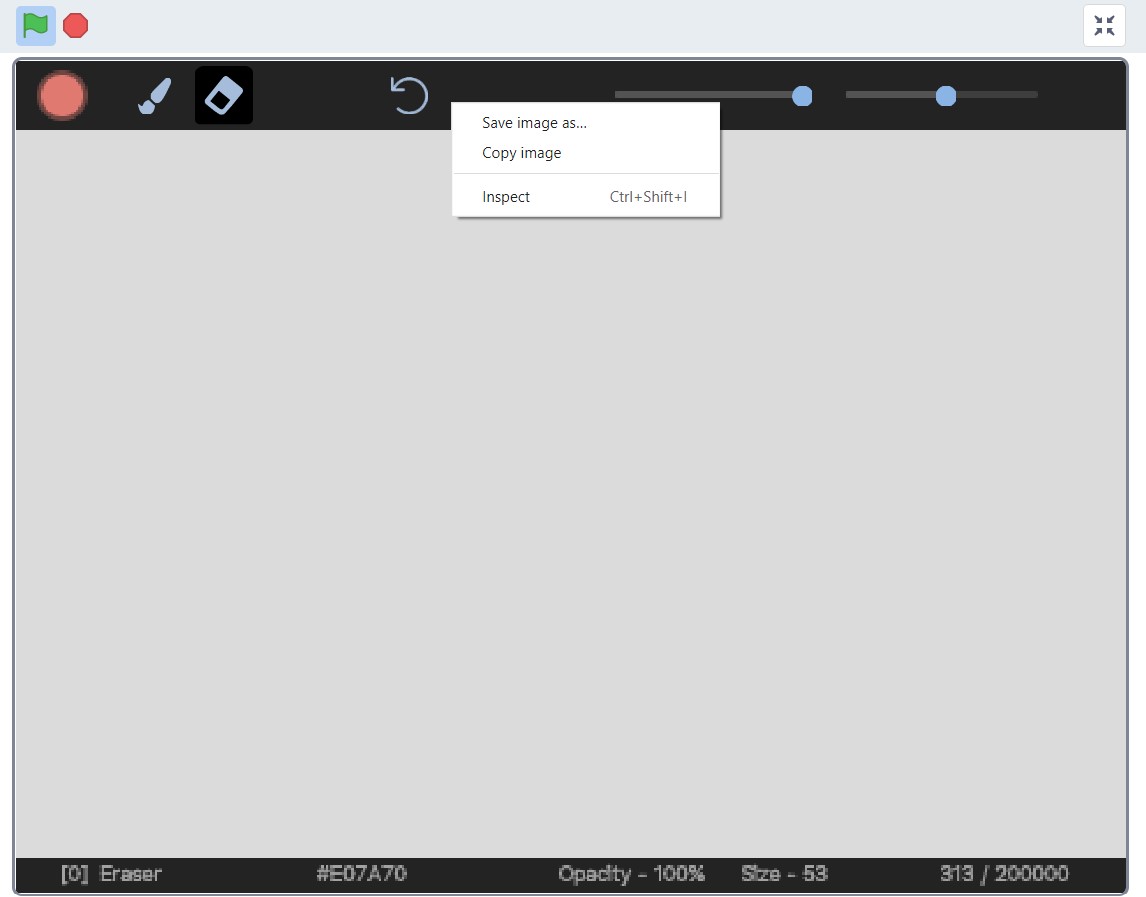
Paint is divided into three main parts: toolbar, canvas, and status bar.
Toolbar
This is where you choose your brush and adjust parameters such as opacity and size.

Status Bar
The status bar shows you information like the brush type and the hex color code.

Colors
Color Panel
The color panel is where you choose and adjust the color of your brush.

Brushes
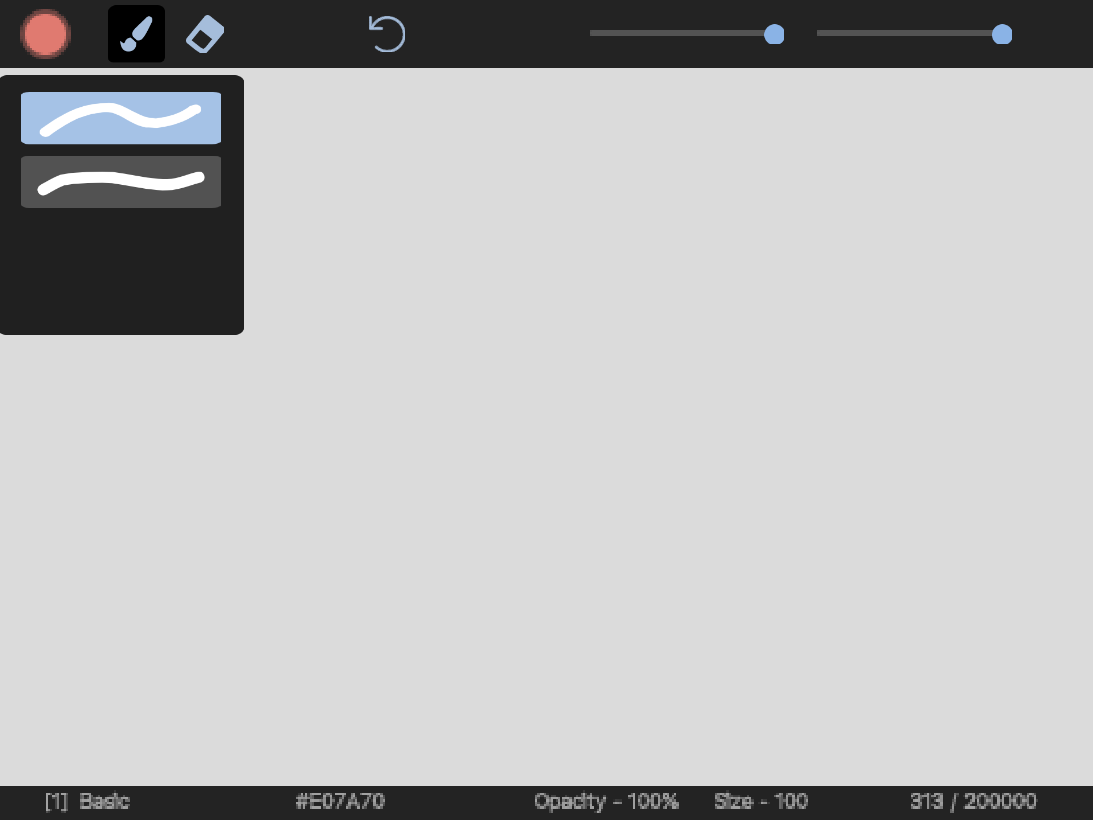
Brush Library
Choose a brush type and start painting.
Eraser
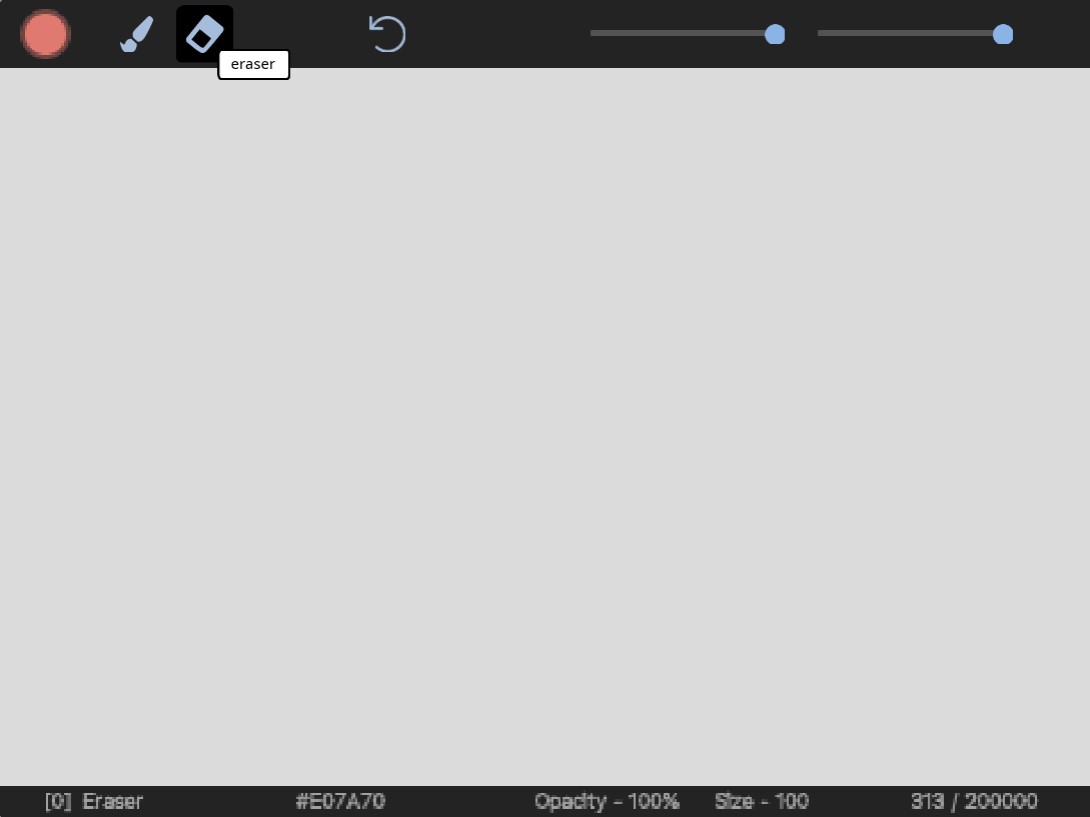
Click on the eraser icon to erase paint on the canvas.
Saving and Importing Your Drawing
Paint saves your artwork in a .txt format. The maximum data size is 200000, which is the maximum list size for Scratch. You can find instructions on how to save and import your artwork here.
Save as an Image
Right click and hit save image as to save your artwork as a .png image.